What is Atlas Tasker?
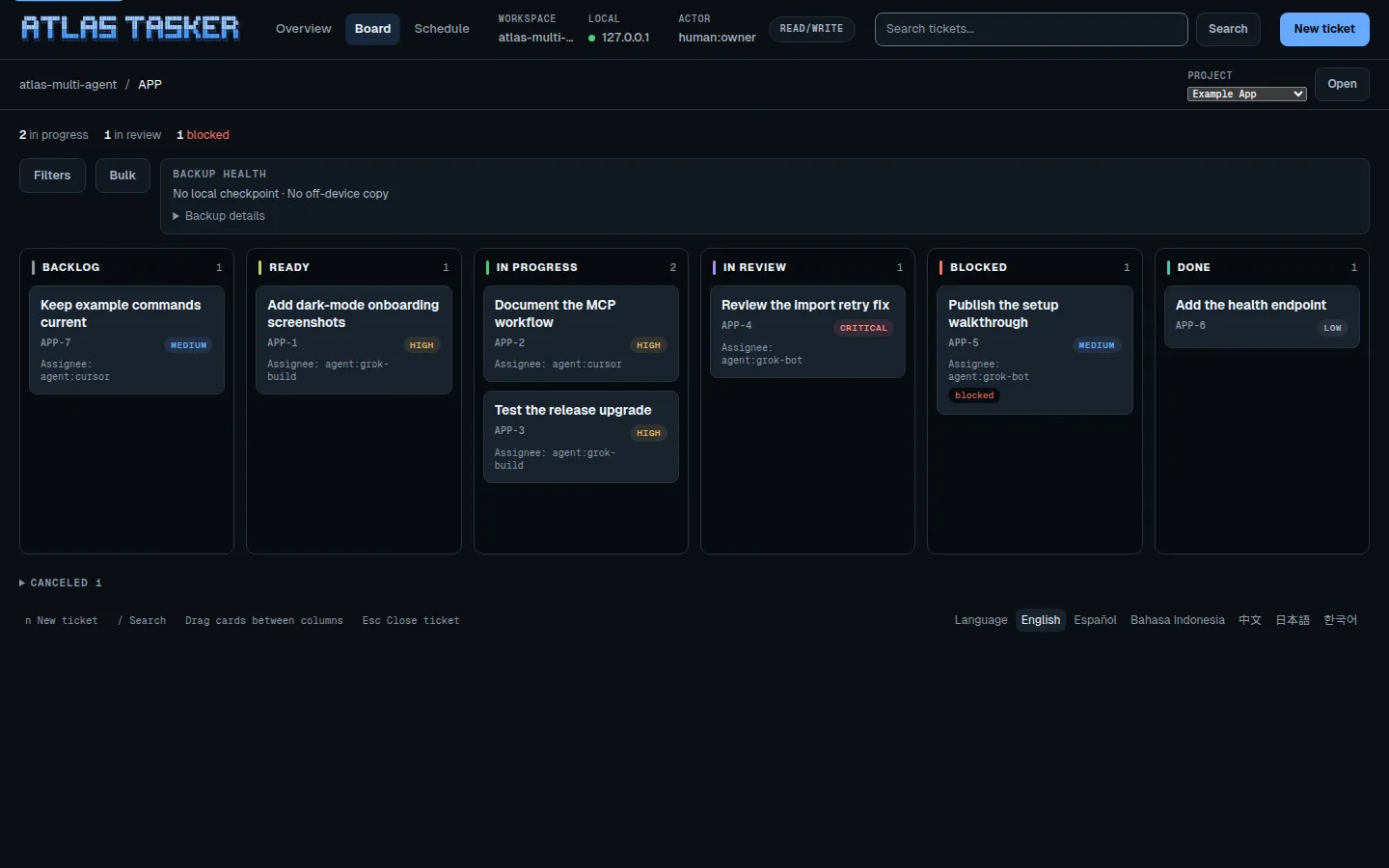
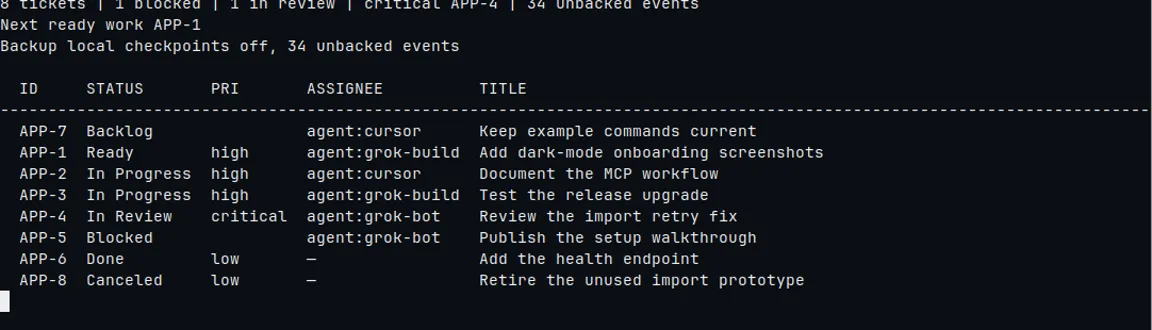
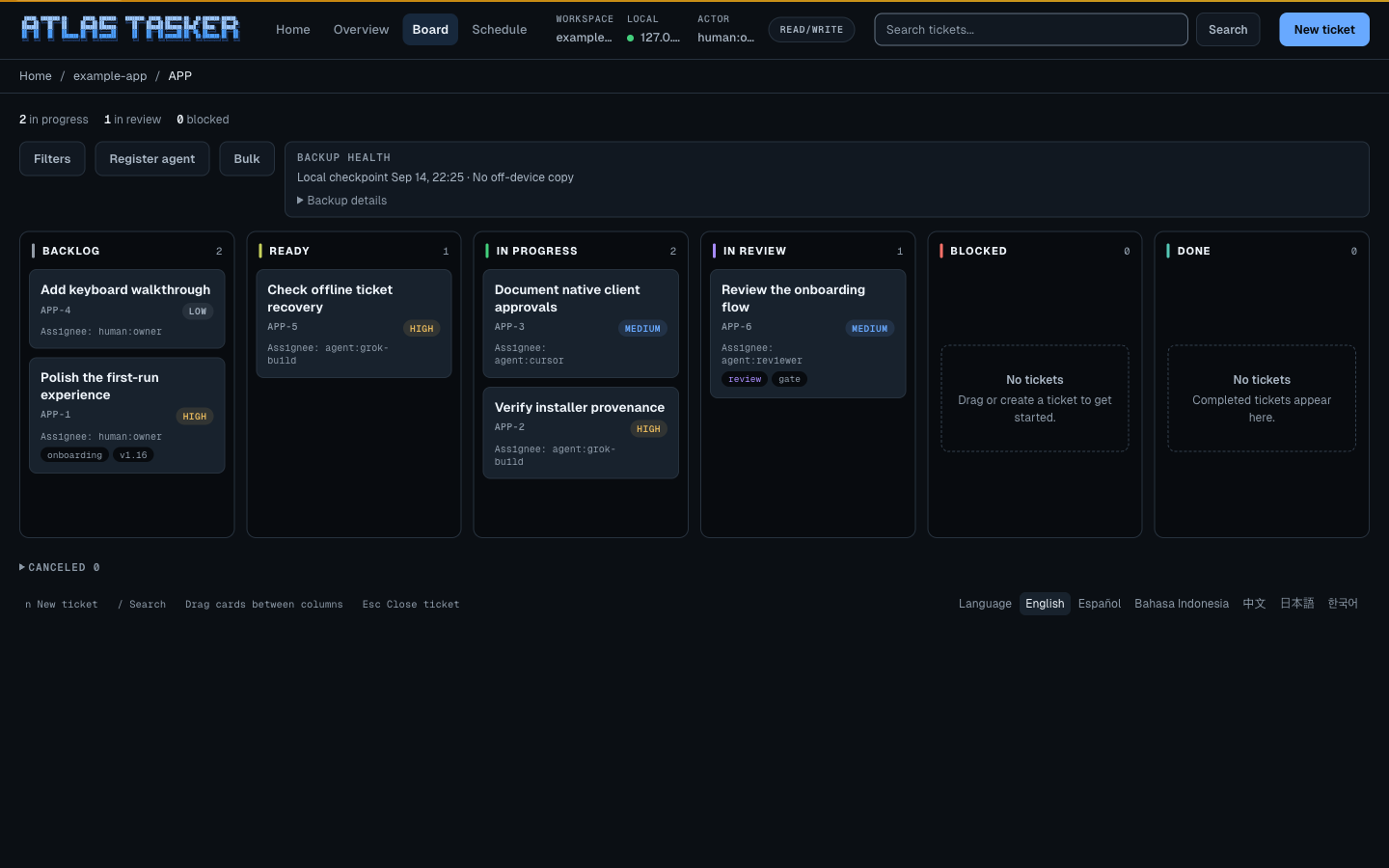
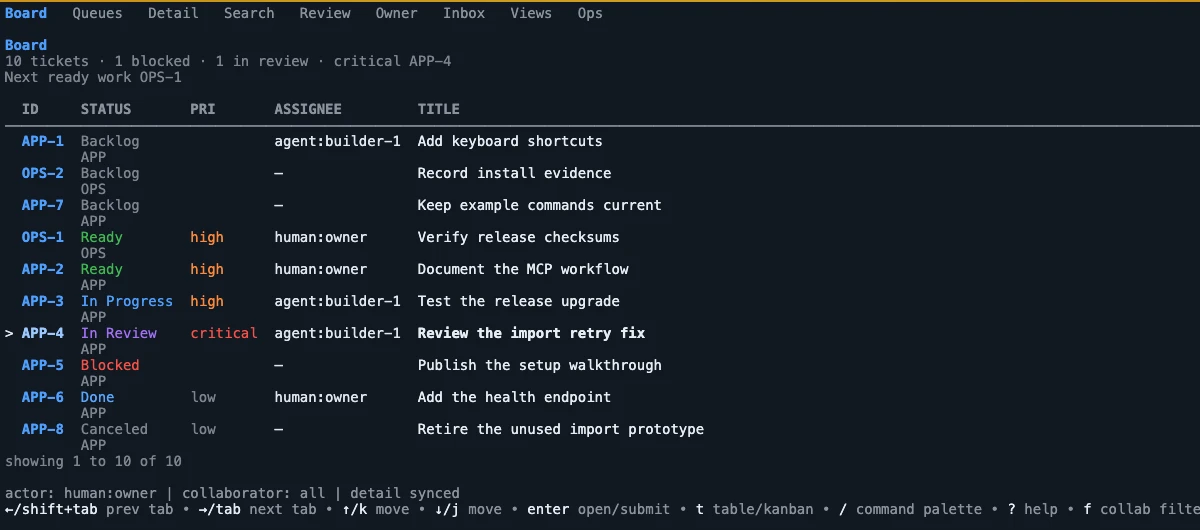
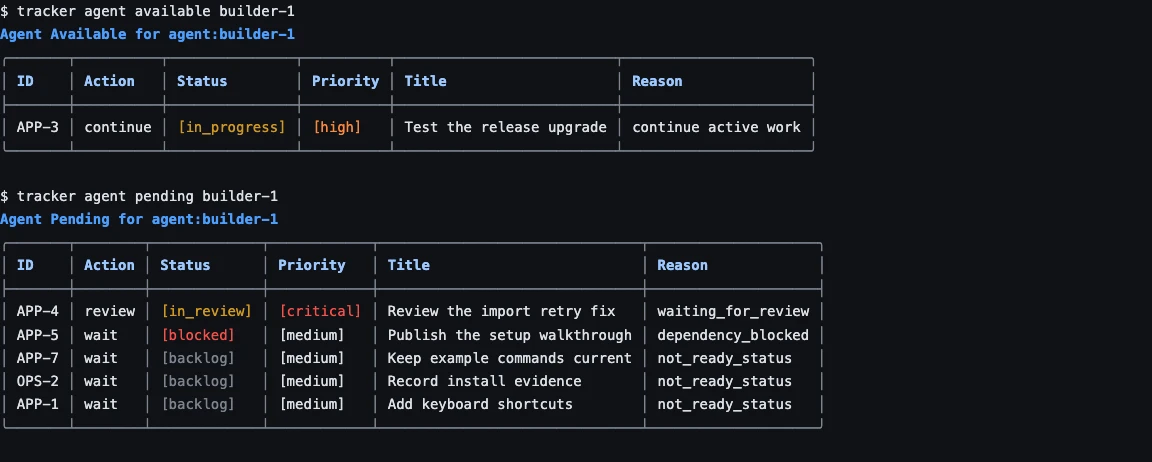
Atlas Tasker is a local-first issue tracker and orchestration layer that lives in your code repository. Humans plan on the web board or in the terminal, and AI coding agents work the same tickets through the CLI and MCP, with dependencies, evidence, review gates, and audit history.
What does Atlas Tasker cost?
Nothing. Atlas Tasker is MIT licensed, with no hosted service, account, or paid tier required.
Where is my data stored? Does it phone home?
Tickets are Markdown files in your repository, and changes are recorded in an append-only local event log. A small disposable index keeps queries fast and can be rebuilt at any time. Atlas Tasker has no hosted mode, account system, or telemetry service.
What platforms does Atlas Tasker support?
The release installer supports macOS and Linux on arm64 and amd64. Building from source requires Go 1.26.10 or newer.
How do coding agents use it?
tracker init writes Atlas-managed MCP entries named atlas-tasker pointing at tracker mcp serve --global --tool-profile workflow. Restart the client. A written file is not a live connection. Agents can also drive the CLI with JSON output and stable exit codes. The For agents page covers global serve, pinned --workspace, and the six skill targets.
Do I wire each coding agent by hand?
No. The installer only places the binary; it does not initialize a repo or register agents. After install, tracker init detects Claude Code, Codex, Cursor (including cursor-agent), OpenClaw, and Grok and writes Atlas-managed MCP entries plus the worker skill unless you pass --no-agents. Restart the client. Grok needs its own project-trust prompt before local skills appear. Atlas does not start those agents. Open the repo and ask for the board. There is no second Atlas install inside the client.
How do I get support?
Open a GitHub issue for bugs, setup trouble, documentation problems, and feature requests. Security reports should follow the private reporting instructions in SECURITY.md.
How do I update Atlas Tasker?
Run tracker update --check, then tracker update --yes to verify checksums/attestations and replace the binary. Update replaces the binary only; re-run tracker init in each workspace to refresh managed skills. Use --version to pin a release, or re-run the curl installer.
Why not just use Jira?
Use Atlas Tasker when work should travel with a codebase and coding agents need a tool-native workflow. Jira is still a better fit when your organization needs a hosted, cross-team system with centralized administration.
How do I uninstall it?
Run tracker uninstall to preview Atlas-owned software, then tracker uninstall --yes to apply. Boards, history, backups, and registry pointers stay. Removing the binary by hand also leaves repository data in place.
How do I delete my data?
Delete the Atlas Tasker files from your repository. If Git tracks them, they can remain in repository history until you rewrite that history. The marketing site has no account or hosted copy of your project data to delete.